

No App, Just Stamps — Digital Loyalty Cards
Welcome to 7Stamp — where every stamp is a story, and no installation is needed.
Turn your paper stamp card into a digital one in Apple & Google Wallet. Customers join in 15 seconds by scanning a QR code.
Key Benefits

Set up in minutes
Create your digital stamp card in just a few minutes.

No separate app
Customers join via QR and save the card on their phone.

Geo-fenced reminders
Automatic reminders when customers are nearby.

Encourage repeat visits
Simple rewards that encourage customers to come back again.
How it works
Step 1
Create
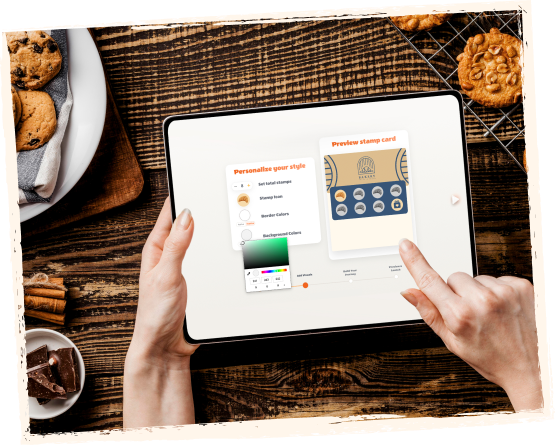
Choose your reward, for example buy 9 and get the 10th free. Set up your card in minutes.

Step 2
Join & save
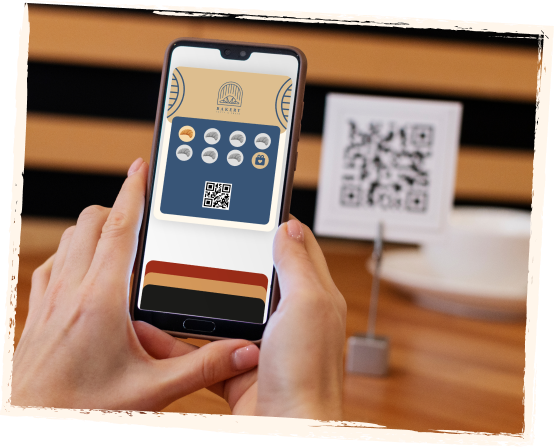
Customers scan a QR code and save the digital card to their phone in Apple Wallet or Google Wallet.

Step 3
Stamp visits
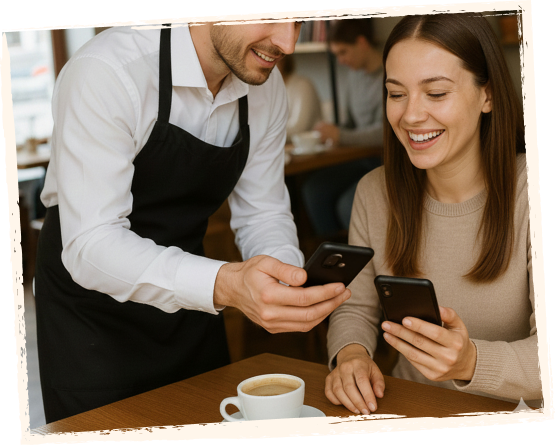
Use staff validation, self-service mode, or a kiosk — choose the flow that fits your business.

Step 4
Bring them back
Re-engage customers with geo reminders and birthday messages with a special offer.


Use cases

Cafés & coffee shops
Buy 9 coffees, get 1 free.

Restaurants & takeaways
Reward every visit and exchange points for a free item.

Retail & salons
Encourage repeat visits without paper loyalty cards.
Features

Set up in minutes
Create your digital stamp card in minutes.

Geo-fenced notifications
Nearby reminders.

Birthday rewards
Automatic greetings and gifts.

QR joining
Table cards, posters, receipts.

Wallet-ready
Apple Wallet / Google Wallet.

Staff validation
Secure stamp management.

Basic analytics
Visits and redemptions.

Multiple locations
Pay for each location separately.

Branding
Logo and colors.
4 ways to manage your loyalty program with minimal staff training
We set things up so your team has very little to do — and in self-service flows, they do nothing at all.

Staff web app
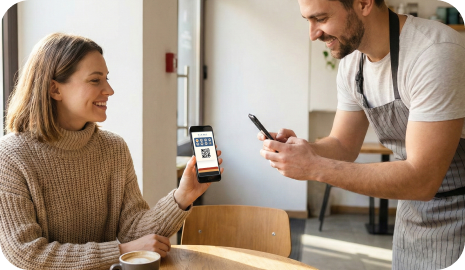
Works on phone, tablet, or desktop. Scan the customer's card, add a stamp, or redeem a voucher in one tap.

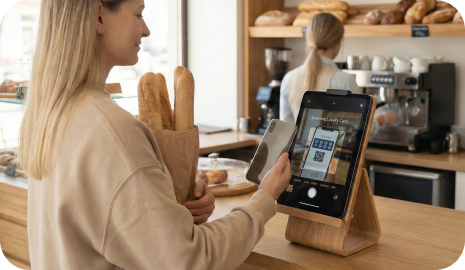
Self-service kiosk
Place a tablet near the counter. Customers scan their card with the tablet camera and redeem vouchers themselves, with almost no staff involvement.

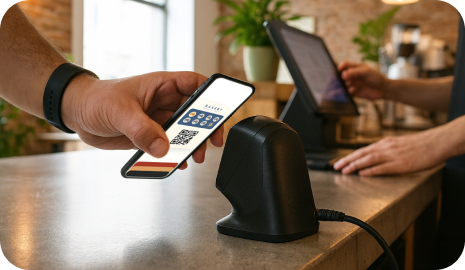
Automatic reward scanning
When the customer card is scanned, stamps are added automatically. Works with a scanner connected to the checkout, so staff continue serving customers as usual.

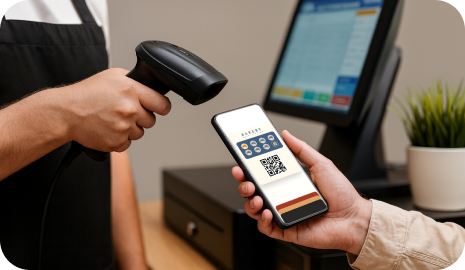
POS / API integration
Stamps and vouchers are processed directly inside your POS system. Staff keep using the familiar POS interface while rewards update in the background.
Pricing
No contracts, no setup fee. Start free and upgrade whenever you're ready.
Testimonials

"Geo reminders doubled our midweek visits."
Manager
Neighborhood bakery

"Setup took 10 minutes. Our regular customers love it."
Owner
Local café

"The loyalty program pays for itself. Customers return twice as often."
Owner
Fitness studio
FAQ
A modern loyalty card stored on the customer's phone — no paper, no losses.
No. Customers simply scan a QR code and save the card to their phone (Apple Wallet or Google Wallet).
You can use a staff web app, a self-service kiosk, or POS integration.
Customers receive reminders when they are near your location.
Yes, you can manage multiple locations and pay for each separately.